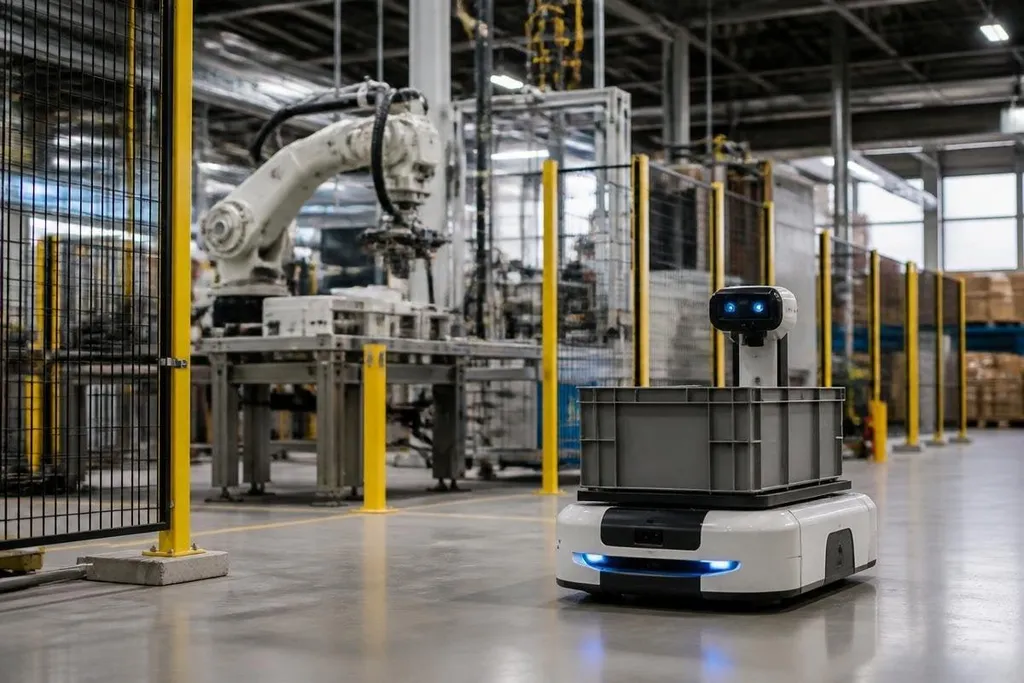
A smart robot can move through a workspace, read sensors, connect to a network, and act on software commands. Each connection can create a path into the robot, its surroundings, or the data it handles.
Quick read
- Network access can let an attacker send commands, change settings, or stop a robot.
- Weak updates and poor access controls can leave known software flaws in service.
- A safe rollout needs clear limits on remote control, sensor input, and physical access.
Remote access can turn into robot control
Most connected robots rely on software services for task plans, status data, fleet control, or remote support. If those services use weak passwords, shared accounts, or poorly protected interfaces, an attacker may gain more access than the operator intended.
The risk depends on what that access can do. Reading status data is a privacy problem. Sending movement commands can become a safety problem. Changing speed limits, work zones, or collision settings can affect people near the robot even when the machine itself has no obvious hardware fault.
Access should follow the robot’s job. An operator who needs to start a task may not need permission to change firmware or safety settings.
Separate accounts, strong sign-in checks, and records of each command make misuse easier to spot and contain.
Software updates bring their own risks
Robots depend on firmware, operating systems, libraries, and control software. A flaw in any layer can affect the whole machine, especially when one update reaches a large fleet.
The update process needs checks before software reaches a working robot. The robot should verify where the package came from, confirm that it has not changed, and keep a safe way back if the new version fails. An update that stops a production robot can cost time. An update that changes motion behavior without a clear record can create a safety issue.
Old software creates a different problem. A robot may remain in service long after its maker stops fixing a component. Buyers should ask how long security fixes will be available, who applies them, and whether updates require a service visit or a network connection.
Those update limits are easier to judge when a dated report names the robot, software version, and site where it ran. Robot24.com security reporting can place those facts beside the next risk: sensors that accept false signals.
Sensors can be fooled
The robot makes decisions from inputs such as cameras, LiDAR, force sensors, and position data. An attacker who changes those inputs may cause the robot to misread a person, object, location, or task state.
The attack does not need to take full control of the robot. A false obstacle reading can stop work. A missing reading can remove a warning. Altered position data can send a mobile robot toward the wrong area.
Safe systems compare more than one input when the action carries risk. They also set limits on speed, force, reach, and location. When sensor readings disagree, the robot should move to a safe state and ask for a human check rather than continue with a doubtful command.
Physical access still matters
A networked robot can be attacked through a cable, service port, removable storage, or exposed control panel. Someone with physical access may reset accounts, copy software, change settings, or attach hardware that the normal network controls never see.
Locks and cabinet access help, but they don't solve the whole problem. A service process should record who worked on the robot, which parts changed, and what checks followed. Ports that aren't needed during normal work should be disabled or protected.
Data also needs care. Robots may collect images, maps, worker locations, or production details. Keep only what the task needs, restrict who can view it, and set a clear time for deletion.
A practical security check
Use these questions before buying or connecting a smart robot:
- Remote commands: Which actions can a remote account send, and which require a person beside the robot?
- User access: Does each operator have a separate account with only the permissions their job needs?
- Software support: Who fixes security flaws, and how are updates checked before installation?
- Sensor faults: What does the robot do when its cameras, LiDAR, or position data disagree?
- Physical service: Can someone reach a service port or reset control without a logged approval?
- Stored data: What information does the robot keep, who can read it, and when is it removed?
I'd treat remote access as a safety function, not a convenience feature. The machine should keep doing useful work only when its commands, software, sensors, and service history can be checked; otherwise, the safest next step is a controlled stop and a human review.